
Apple Isn’t Locking Peak MacBook Pro Performance Behind Touch OLED
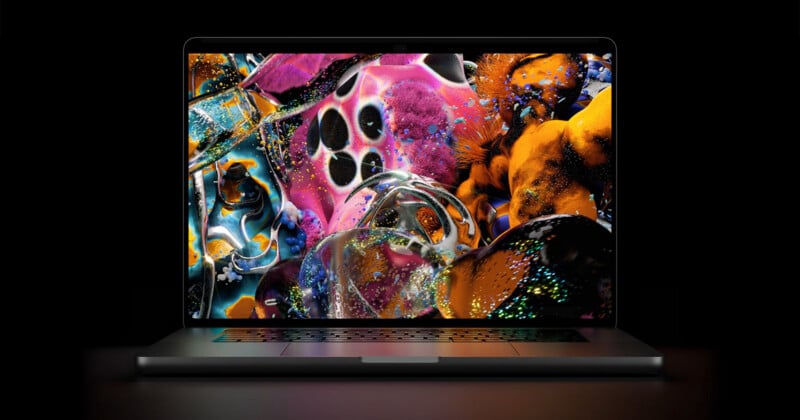
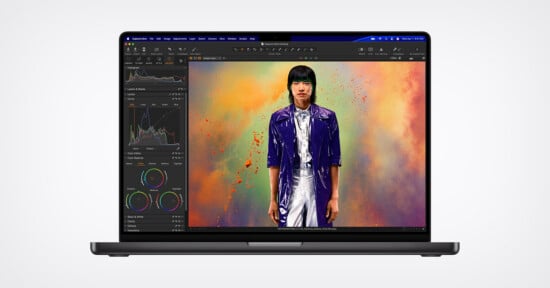
Today, Apple announced a major shift in its laptop computing by adding touch to the MacBook Pro — a move famously despised by Steve Jobs so many years ago. But in a move that I found to be unexpected, Apple isn’t forcing you to go with this new model if you want the latest and greatest computing performance.
Earlier this week, Apple announced that M6 was coming to the MacBook Pro line in the form of the 14-inch option and today jumped straight over to the PROLED display model with the touch support and packed with M5 Pro and M5 Max.
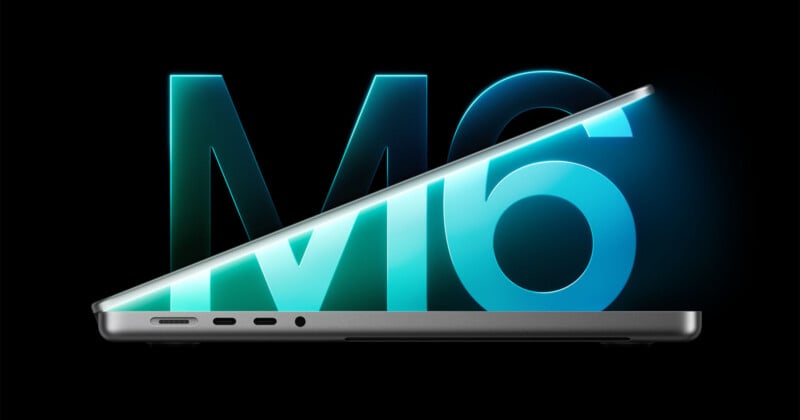
What might be lost in the middle is that Apple did not change its Liquid Retina display MacBook Pro options — both 14- and 16-inch variants — at all from earlier this year.
You can still get the M5 Max and M5 Pro MacBook Pro options with the “classic” display if the OLED display doesn’t entice you or if touch doesn’t matter to you. By doing so, you’ll also be avoiding the reasonable price premium of the new touch-equipped MacBook Pro: $400.
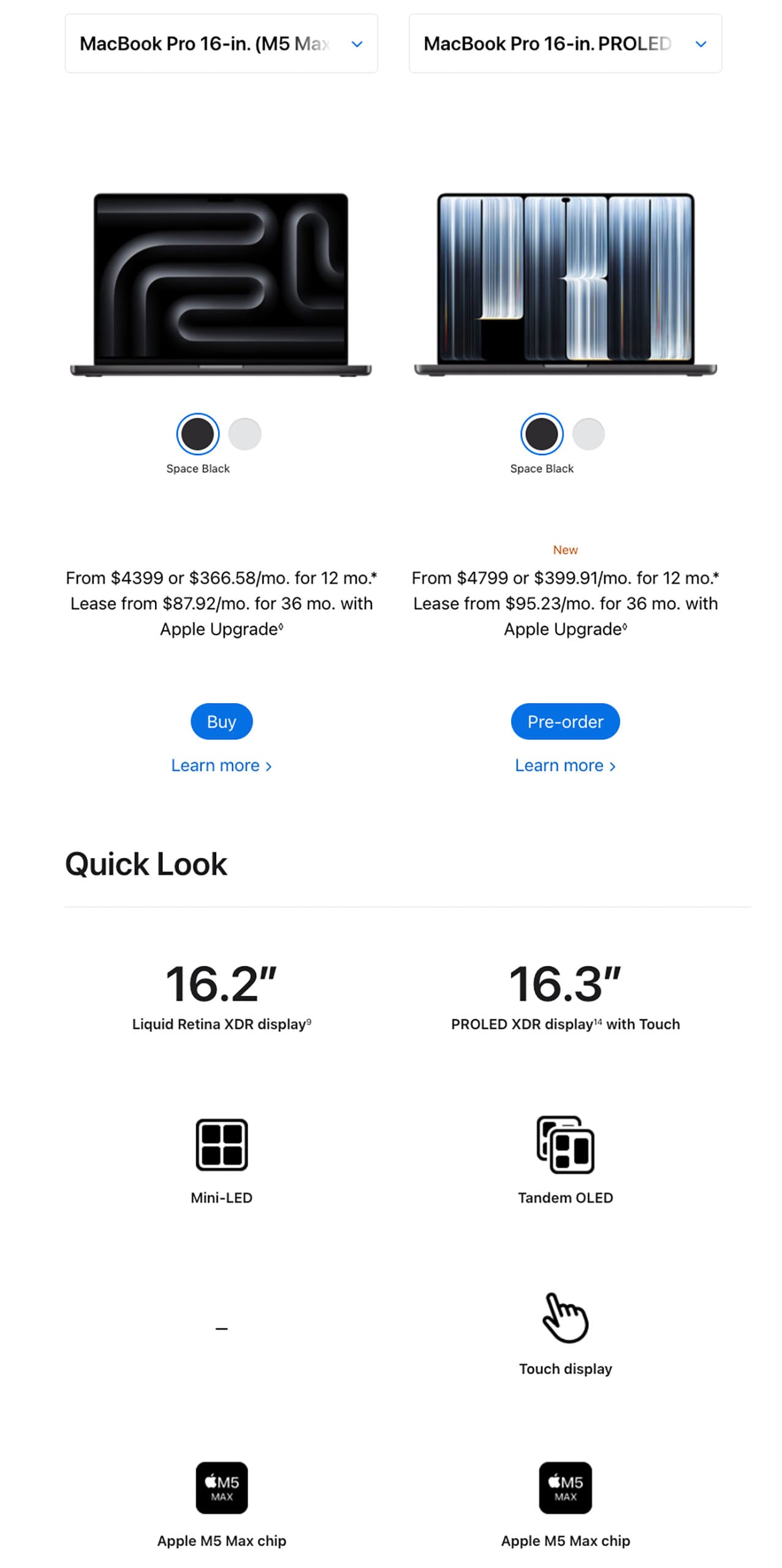
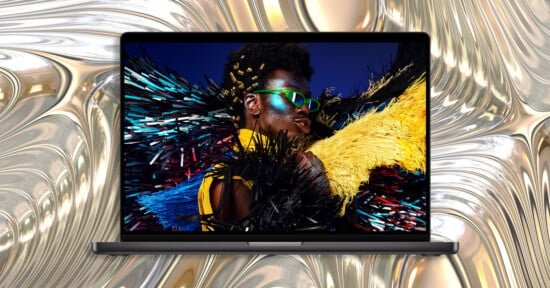
If you don’t want to pay the premium for the PROLED display, you don’t have to. By going with OLED, though, you are getting more than just a better display and the option to touch it. Thanks to smaller bezels, it is actually slightly larger even though it’s housed in the same chassis: the 16-inch display is now 16.3 inches, while the 14-inch one is 14.2 inches diagonally. It’s not a ton, but it’s something.
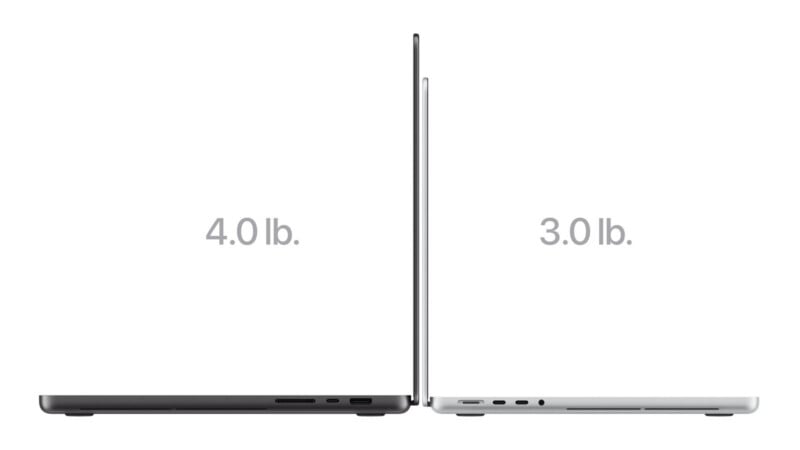
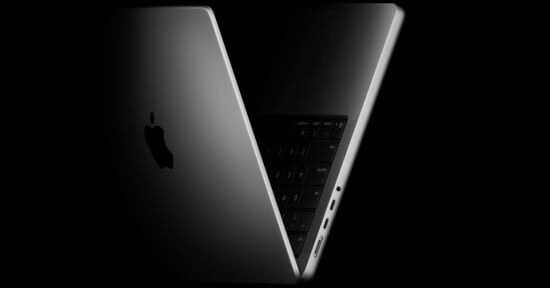
It’s also lighter. While the standard MacBook Pro isn’t what I would call heavy, I definitely notice when it is and is not in my bag. At this point, I am putting a bit of a premium on lowering my bag’s weight at every possible turn. The version I prefer, the 16-inch model, is 0.7 pounds lighter. I’ll notice that.
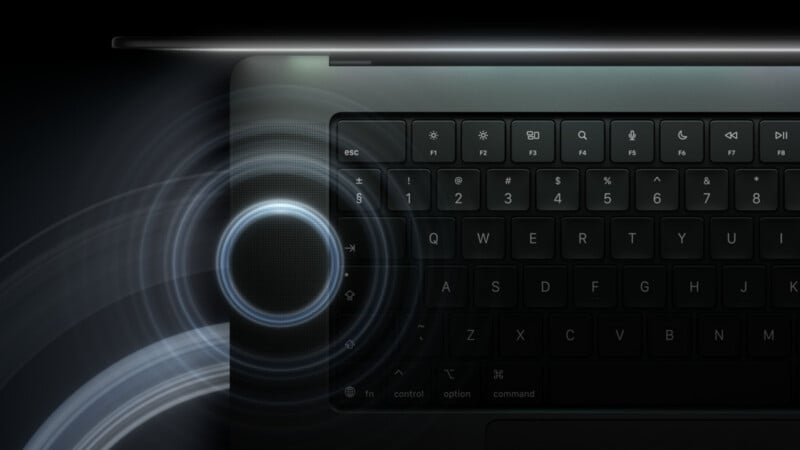
The speakers are supposedly better, but the bar was already pretty high with the current MacBook Pro: they’re very good.
I am undecided if all that is worth $1,400 to a prospective MacBook Pro buyer, though. Considering the performance of the computer is likely going to be identical (or close enough) between the two options, I imagine there are a lot of folks who would rather pocket $400 than shell out for a fancier screen, especially since the headline feature is “touch” and many won’t want to do that.
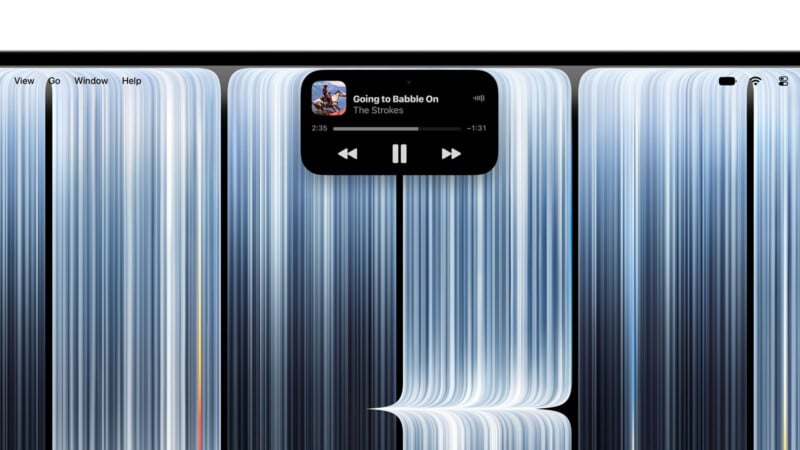
I will say, you do not have to touch the display. You can, but it’s not going to hurt your experience with the computer if you don’t, outside of maybe interacting with the dynamic island.
One last thing worth discussing is the option to go with Nano Texture on the OLED model. I’m torn on this. I’ve seen both displays side by side, and I did not immediately notice a major visual difference, but I need more time with the displays to decide if adding that matte texture hurts the visible contrast. When you’re paying extra for that incredible contrast ratio, it feels counterintuitive to then put a layer over the top that reduces it, even if it means you’ll be able to use the computer in more environments without problems. Glare is a major concern with OLED displays, but Apple’s PROLED promises 2,000 nits peak, which might be bright enough to combat direct sun without the help of Nano Texture. I wasn’t able to confirm this, as the computers I’ve had time with have been in a controlled, indoor environment.
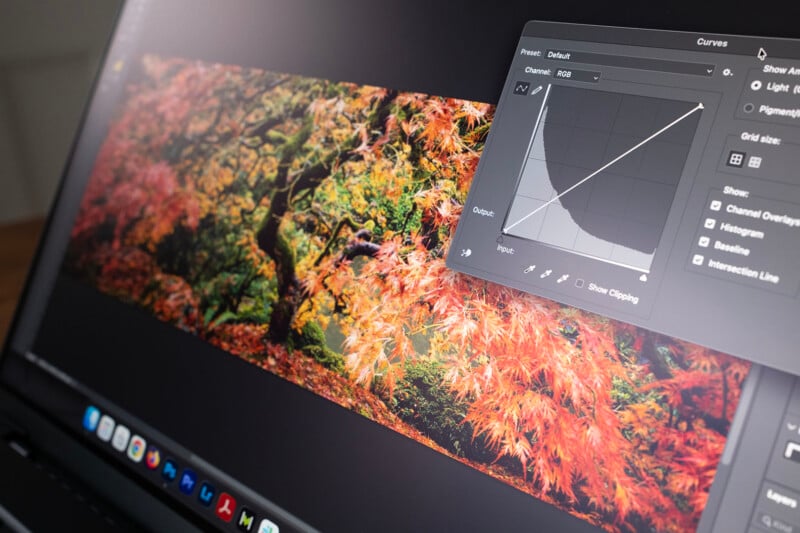
I think the contrast of Nano Texture on the PROLED display is better than that of Liquid Retina XDR without Nano Texture, but there is something in me that recoils at the idea of doing anything to OLED that brings down that spectacular visual experience.
Apple clearly believes there is a market for this, though, especially if it’s keeping both computers as options. I am glad the choice still exists.
Affiliate Disclosure PetaPixel articles may include affiliate links; we may earn a commission if you buy through one.